Why Did Slack Just Become an AI Operating System, and What Does It Mean for Your Business?
Slack just became something different. And most business owners haven't noticed yet.
On March 31, 2026, Salesforce CEO Marc Benioff stood in front of an audience in San Francisco and announced more than 30 new AI features for Slackbot — the biggest overhaul of the platform since Salesforce bought it for $27.7 billion in 2021. According to TechCrunch, Salesforce is repositioning Slack not as a messaging app, but as an "agentic operating system."
That phrase matters. Let me explain why.
What Exactly Did Salesforce Announce for Slack?
Here is the short version: Slackbot is now powered by Anthropic's Claude and can do things that most business owners still pay separate tools for.
Five features stand out:
1. Reusable AI Skills
You define a task once. Slack runs it automatically every time it's needed.
Say you type "create a budget for this event." Slackbot pulls together all relevant info from your Slack channels and connected apps, builds a plan, sets up a meeting, and invites the right people based on their titles.
One command. Full workflow. Done.
2. Desktop Agent
This one is new territory. Slackbot can now operate outside of the Slack app and monitor your screen.
It watches your deals, your calendar, your conversations, and your habits. Based on that context, it surfaces suggestions and drafts follow-ups before you even ask. According to The Next Web, privacy controls are built in and users can adjust permissions at any time.
3. Meeting Intelligence
Slackbot now listens to your Zoom, Google Meet, and Slack Huddle calls. It does not just transcribe. It identifies decisions made, assigns action items to specific people, and delivers a structured summary the moment the call ends.
You never have to send meeting notes again.
4. Native CRM for Small Business
This is the one that could change everything for small business owners.
Slackbot reads your channels, spots when a deal is mentioned or a new contact is introduced, and updates your CRM automatically. No separate tool. No switching apps. And if you outgrow it, Salesforce says you can migrate to full Salesforce CRM without losing any of your data.
5. MCP Client (6,000+ App Integrations)
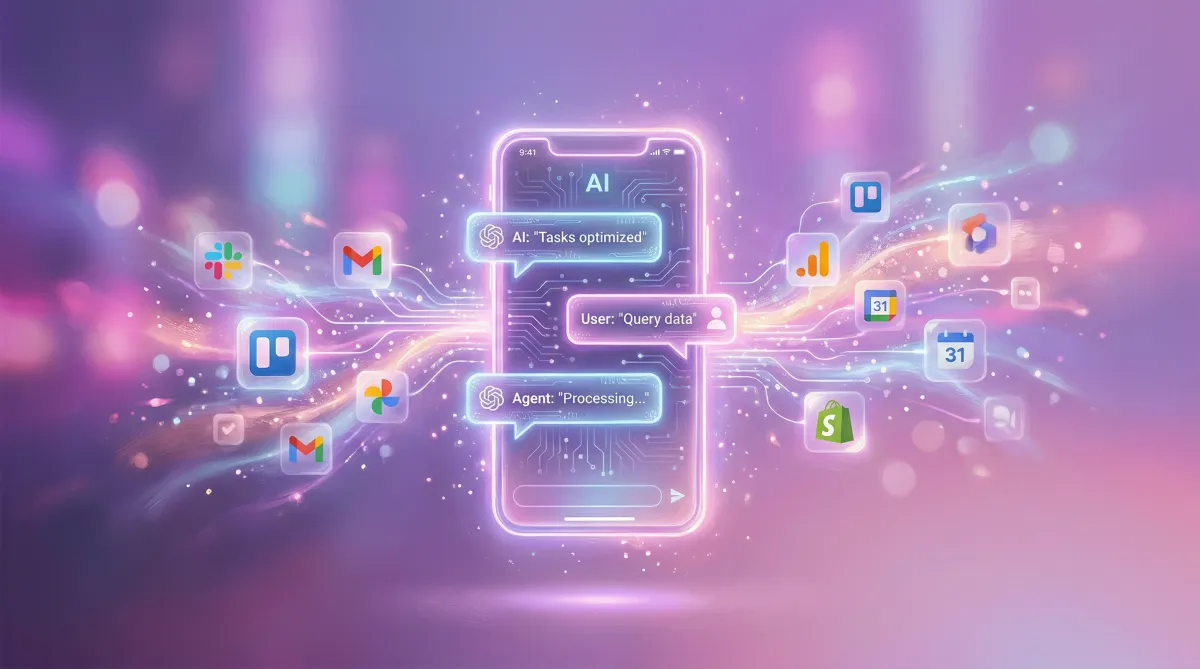
Slackbot now functions as an MCP client, meaning it can connect to and coordinate with external services — including Google Workspace, Microsoft 365, Notion, Workday, ServiceNow, and more than 6,000 other apps in the Salesforce ecosystem.
Your Slack is now the command center for your entire tech stack.
Is Slack Actually Available for Free and Pro Users?
Yes — and the timing matters.
Slackbot is already live at no additional cost for Business+ and Enterprise+ subscribers. Per Salesforce's announcement, a more limited version is rolling out to free and Pro plan users starting in April 2026.
That means this week.
And starting this summer, every new Salesforce customer will automatically get Slack provisioned and AI-enabled from day one. Marc Benioff noted that one million businesses currently run on Slack. That number is about to grow fast.
Why This Is a Business Owner's Moment
Real talk: most small business owners are still paying for a pile of tools that don't talk to each other.
A project management app. A separate CRM. A meeting transcription service. A scheduling tool. A task manager.
Every one of those tools is a context switch. Every switch costs focus. And focus is the only real currency you have in a small business.
What Salesforce is doing with Slack is collapsing those tools into the place where your team already spends their day.
That is the bet.
And for business owners who use Slack with a team, this shift is happening right now whether you configure it or not.
Introducing the Agentic Hub Model
Here is the framework I want you to take away from this.
The old model: you build your workflows by connecting different tools together. Zapier connects App A to App B. Each integration requires setup, maintenance, and fixing when something breaks.
The new model is what I call the Agentic Hub Model.
You pick one central platform — the place your team lives every day — and you make that platform the AI brain of your business. Every workflow runs from there. Every piece of context lives there. Your AI agent has everything it needs because everything is in one place.
Slack is making a very deliberate play to be that hub.
The Agentic Hub Model works because AI is only as smart as the context it has access to. A standalone ChatGPT session knows nothing about your business. Slackbot, grounded in your messages, deals, calendar, and team conversations, knows a lot.
Context is the difference between AI that gives you generic answers and AI that actually runs your business.
What Does This Mean for Your Business Right Now?
If you are already using Slack with your team, here is the honest truth: you are leaving real leverage on the table if you have not turned on these features.
This week, three things are worth doing:
1. Check your Slack plan.
If you are on Business+ or Enterprise+, Slackbot is already on. Open Slack, start a conversation with Slackbot, and ask it to help you with a current project. See what it does.
2. Create your first reusable skill.
Think about a workflow you repeat every week. A client update. A team standup summary. A budget check. Define it once in Slackbot and test it.
3. Turn on meeting intelligence.
If your team runs calls on Zoom or Google Meet, connecting Slackbot to your meetings is a no-brainer. The action items alone will save hours per week.
What About Privacy?
A fair question.
Slackbot anchored its new AI features on a FedRAMP-certified model, according to The Next Web. It only accesses channels and files you already have access to. The desktop agent respects permissions you set.
For most small businesses, this is a reasonable trade-off. But review your Slack admin settings before enabling desktop monitoring, especially if you have team members handling sensitive client data.
Common Mistakes Business Owners Make With New AI Features
The biggest mistake is installing without intention.
Just because a feature is available does not mean it is immediately useful. Here is where business owners go wrong with Slack AI:
Mistake 1: Treating it like a chatbot.
Slackbot is not a chatbot anymore. It is an agent. Ask it to complete tasks, not just answer questions. "Create a weekly report on our sales pipeline" is a better prompt than "What do you know about our sales?"
Mistake 2: Skipping the skills setup.
The reusable skills feature is where the real leverage lives. If you skip this step, you are using 10% of what the tool can do.
Mistake 3: Not connecting your apps.
Slackbot's power scales with what it can access. Spend 20 minutes connecting your calendar, your project management tool, and your CRM. Then it can actually help.
Mistake 4: Not training your team.
A powerful tool your team does not know how to use is just noise. Run a 30-minute team walkthrough. Show them the skills, the meeting summaries, the workflow commands. Make it a habit, not an experiment.
FAQ
Q: Is Slack AI free or does it cost extra? A: For Business+ and Enterprise+ subscribers, Slackbot's new AI features are included at no additional consumption cost. A limited version is rolling out to free and Pro plan users in April 2026. You do not need a separate AI subscription.
Q: What makes Slack AI different from using ChatGPT for my business? A: The core difference is context. Slackbot is grounded in your actual business — your conversations, deals, calendar, and team structure. ChatGPT starts every session from scratch. When an AI has your context, it can actually help you complete work rather than just answer questions.
Q: Does Slack AI work with tools I already use like Google Workspace or Notion? A: Yes. Slackbot now functions as an MCP (Model Context Protocol) client, connecting to more than 6,000 apps including Google Workspace, Microsoft 365, Notion, Workday, and ServiceNow. You connect them once inside Slack's settings and the bot can coordinate across all of them.
Q: Should small businesses with no current Slack subscription switch to Slack now? A: It depends on your team size and how you currently communicate. If your team runs on email or a competitor tool and communication is already working well, do not switch just for the AI. But if you are actively looking to add AI operations to your business, Slack is now one of the most compelling options because the AI features live inside the communication layer — not bolted on top.
Q: What is the Agentic Hub Model and why does it matter? A: The Agentic Hub Model is the idea of choosing one central platform — the one your team already uses daily — and making it the AI coordination layer for your entire business. Rather than maintaining separate AI tools for each workflow, your AI agent operates from a single hub with full context. Slack is positioning itself as that hub for the businesses already using it.
TL;DR
- Salesforce announced 30+ new AI features for Slackbot on March 31, 2026, powered by Anthropic's Claude — the biggest Slack update since its acquisition.
- Key features: reusable AI skills, desktop agent, meeting intelligence, native small business CRM, and MCP client for 6,000+ app integrations.
- These features are already live for Business+ users and rolling out to free/Pro users in April 2026.
- The business opportunity: stop managing disconnected tools and use Slack as the AI coordination hub for your business — this is the Agentic Hub Model.
- Three immediate actions: check your plan, create one reusable skill, and turn on meeting intelligence.
- If you want help mapping out how these tools fit into your specific business, grab a free AI Implementation Session here.
One more thing worth noting: the 8 Figure AI Toolkit includes a Repeatable Systems Creator built specifically for this kind of workflow. If you are trying to document and automate the repeatable work in your business, that tool combined with Slack's new AI skills is a powerful starting point.
If you are ready to stop figuring this out alone and start building AI systems that actually run your business, book your free AI Implementation Session here. We will map it out with you, specific to your business, in 30 minutes.
You have the tools. Let's put them to work.